
Workflow Template
Before opening a new workflow, it is necessary to select a workflow template. Information from the selected workflow template is used to populate the fields of the new workflow. For each task template associated with the selected workflow template, a new task is created and linked to the new workflow.
Only a person with the role space designer role can manage these workflow templates for this space.
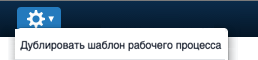
Using the "Duplicate Workflow Template" option in the action menu, a space designer can copy information by selecting an existing workflow template and pasting it into a new workflow template.
On the Workflow Template Fields page, you will find recommendations for using each field of the workflow template form.